


FrequentFlyer89
-
Compteur de contenus
6 -
Inscription
-
Dernière visite
FrequentFlyer89's Achievements

Newbie (1/14)
-
 Rare
Rare
-

-

-

Recent Badges
-
VFR FRANCE Sud-Est-Riviera disponible !
FrequentFlyer89 a répondu à un(e) sujet de dbalternative dans VFR FRANCE Sud-Est-Riviera
Super, merci! J’ai déjà fait quelques petits tours magnifiques ! -
NORD-OUEST VFR Airports disponible !
FrequentFlyer89 a répondu à un(e) sujet de dbalternative dans NORD-OUEST VFR Airports
J'ai acheté cette scène sur marketplace. J'ai lu qu'il y a des cartes fournies mais je n'en ai pas trouvées. Faut-il les télécharger séparément ? -
LFML - Marseille Provence disponible !
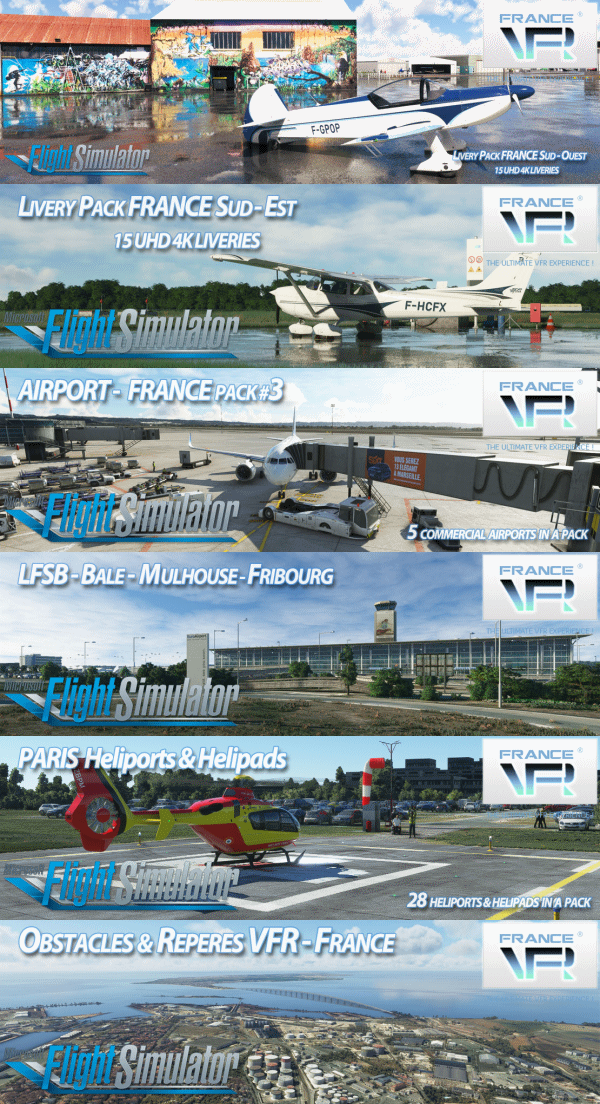
FrequentFlyer89 a répondu à un(e) sujet de dbalternative dans AIRPORTS FRANCE Pack #3
Vraiment magnifique, je suis trop content de cette scène! -
Obstacles & Repères VFR – FRANCE V4.0 Disponible !
FrequentFlyer89 a répondu à un(e) sujet de dbalternative dans Obstacles & Repères VFR FRANCE
Super, merci! -
FrequentFlyer89 a rejoint la communauté
-
Obstacles & Repères VFR – FRANCE V4.0 Disponible !
FrequentFlyer89 a répondu à un(e) sujet de dbalternative dans Obstacles & Repères VFR FRANCE
J’aime beaucoup ce produit. Par contre les obstacles ne sont pas marqués avec des lumières la nuit. Surtout près d’un aéroport ce serait souhaitable.