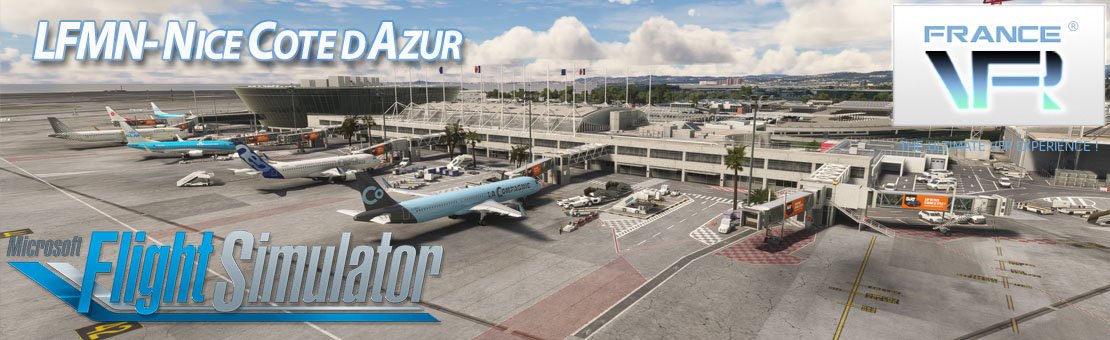
Posté(e) le 16 juillet 200818 a comment_21705 Voici les screens officiels de la version finale, spécifiquement développée pour FSX. Signaler
Posté(e) le 16 juillet 200818 a comment_21706 viens d installer sans aucun pbs (1) ca marche nickel en DX10, la piste ne clignote meme pas! super et bravo (2) jusqu a present j avais resolution de la texture a 5, la c est clair il faut aller plus a fond.. c est quoi le nouveau niveau? 1m? 50cm? Etienne Signaler
Posté(e) le 16 juillet 200818 a Auteur comment_21707 60 cm c'est exactement le réglage approprié... Signaler
Posté(e) le 16 juillet 200818 a comment_21708 En effet c est tres beau en 60cm, et ca passe - hyper juste - sur ma babasse question floutage et fps. (mais bon j abuse en 2560x1600 + vox atc +FSMap). Faudrais pas aller plus en details pour les suivants car c est limite surtout pret de Paris qui est deja bien charge. Ne pas mecomprendre ce post, je suis tres agreablemet surpris car vous avez trouve - je pense - le bon dosage super qualite / fps. Et clairement dans 2 ans ca tournera a donf sur le haut-de-gamme sans paraitre veillot. Signaler


Rejoindre la conversation
Vous pouvez publier maintenant et vous inscrire plus tard. Si vous avez un compte, connectez-vous maintenant pour publier avec votre compte.